Wait — $200 a Month Just to Code with AI?

If you’ve been eyeing Claude Code, you already know the sting. Anthropic’s AI coding assistant is genuinely impressive — but at up to $200 per month, it’s priced like a professional software license, not a hobbyist tool. That’s rent money in some cities.
Here’s the good news: there’s a solid free alternative to Claude Code AI that most developers haven’t heard of yet. It’s called Goose, it’s built by Block (yes, the same company behind Square and Cash App), and it runs entirely on your own computer — no subscription, no usage limits, no monthly invoice to dread.
Let’s break down what’s actually going on, what Goose can and can’t do, and whether it’s the right move for you.
Why Claude Code Is Such a Big Deal (And Such a Big Price)

Claude Code isn’t just a chatbot you paste code into. It’s an agentic coding tool — meaning it can actually read your files, write code, run commands, fix errors, and work through multi-step problems on its own. Think of it less like a search engine and more like a junior developer sitting next to you.
That’s a meaningful upgrade from copying and pasting snippets into ChatGPT. But the price reflects it. Claude Code runs on Anthropic’s Claude models, and the costs stack up fast depending on how heavily you use it. For a freelancer billing 20 hours a week or a student on a tight budget, $200/month is simply not happening.
This is the tension at the heart of the current AI boom: the tools that actually change how you work are often priced for enterprise teams, not the solo developers who could benefit most.
Enter Goose — The Free, Open-Source Coding Assistant You Should Know About
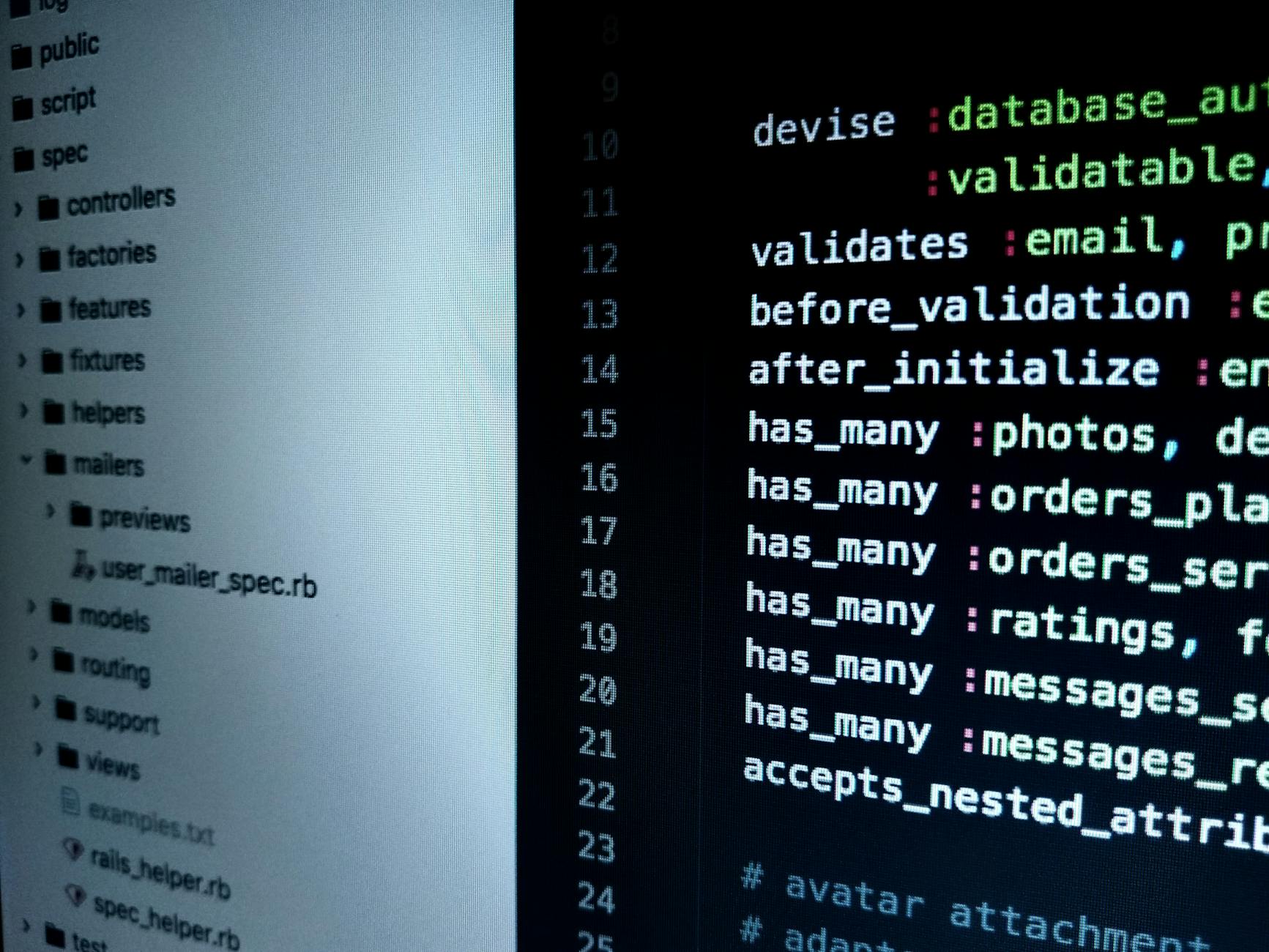
Goose is an open-source AI coding agent built by Block’s engineering team. “Open-source” means the code is publicly available — anyone can inspect it, use it, or improve it — and there’s no company charging you monthly for access.
You install Goose on your own machine, connect it to an AI model of your choice (more on that in a second), and it works similarly to Claude Code: it can browse your project files, write and edit code, run shell commands, and handle tasks that span multiple steps. It lives in your terminal or a simple desktop app, depending on how you prefer to work.
The big difference? You’re not paying Goose anything. The tool itself is completely free.
Okay, But What’s the Catch?
Fair question. Goose itself is free, but it needs an AI model to power it. You connect it to a model through an API — basically a service key that lets Goose talk to an AI brain. If you use a paid API like OpenAI or Anthropic, you’ll pay per use, which is often much cheaper than a flat $200/month subscription if you’re not coding 8 hours a day.
But here’s where it gets interesting: you can also connect Goose to free or locally-run models. Tools like Ollama let you run open-source AI models directly on your laptop — no API costs, no data leaving your machine. For students and hobbyists, this means you could theoretically get an AI coding assistant running for genuinely zero dollars.
The tradeoff is real, though. Locally-run models are often less powerful than the frontier models Claude Code uses. You might notice slower responses or weaker reasoning on complex problems. It’s a sliding scale: free gets you very far, but the absolute top-tier performance still costs something.
What This Looks Like in Real Life
Imagine you’re a freelance developer building a client’s e-commerce site. You’ve got a bug in your payment integration that’s been eating your afternoon. With Claude Code, you’d ask it to look at your codebase, and it would dig through files, spot the issue, suggest a fix, and even run a test — all within one conversation. Powerful, but you’re paying for that privilege every month whether you use it or not.
With Goose connected to a mid-tier API model, you’d get a very similar experience. It reads your project files, walks through the logic, proposes a fix. For most everyday coding tasks — debugging, refactoring, writing boilerplate, explaining someone else’s code — the difference is barely noticeable.
Or picture a CS student building a portfolio project at midnight. No budget, no team, just a laptop and a deadline. Goose running on a local model means they get an AI pair programmer without spending a dime or worrying about hitting a usage limit mid-session.
That’s the real promise of a free alternative to Claude Code AI: it lowers the floor without destroying the ceiling.
Who Should Actually Use Goose?
- Freelancers with variable workloads — If you have busy months and slow months, a flat $200/month subscription hurts during the slow ones. Goose with pay-per-use API access scales with you.
- Students learning to code — You need AI help the most, and you can afford it the least. Goose with a local model is your best friend here.
- Side-project builders — You’re not billing clients for your weekend app. There’s no ROI calculation that justifies $200/month. Goose exists for exactly this scenario.
- Privacy-conscious developers — Running a local model means your code never leaves your machine. For anyone working with sensitive data, that’s not a small thing.
Who Might Still Want Claude Code?
If you’re billing clients heavily and your coding speed directly translates to more revenue, the math on Claude Code can actually work out. The most powerful models it uses are genuinely ahead of what most free options offer, especially for complex architectural decisions or large codebases.
Teams with budgets, developers working on enterprise projects, or anyone who needs the absolute bleeding edge — they might find the premium worth it. But that’s not most of us reading this.
What to Do Right Now
If you’re curious about Goose, the setup is simpler than you’d expect. Head to block.github.io/goose, grab the installer, and follow the quickstart guide. You can have it connected to a free API tier or a local model within an hour on most machines.
Start small: give it a real task from a project you’re already working on. Ask it to explain a function, fix a bug, or write a test. See how it feels before you go deep on configuration.
The broader point here matters beyond just Goose. The free alternative to Claude Code AI conversation reflects a bigger shift happening right now: open-source tools are closing the gap with paid products faster than anyone expected. You don’t have to be locked into expensive subscriptions to work with powerful AI.
The Bottom Line
Claude Code is genuinely excellent. But excellent doesn’t mean necessary, and $200/month is a real barrier for the people who could benefit most from AI coding help.
Goose won’t be perfect for every situation, and local models have real limitations. But for freelancers, students, and side-project builders? It’s an honest, capable, and completely free starting point — and that’s exactly what this space has been missing.
Give it a try before you commit to anything with a monthly bill attached. Your future self (and your bank account) will probably thank you.
Frequently Asked Questions
Several free alternatives exist like GitHub Copilot Free, Open WebUI, and Codeium that offer similar coding assistance without the $200/month subscription. These tools use AI to help with code completion, debugging, and generation across most programming languages.
Claude offers a free tier with limited usage through Claude.ai, but the advanced Code AI features require a Claude Pro subscription at $20/month. For completely free coding AI without limitations, you’ll need to look at alternative tools.
GitHub Copilot Free, Codeium, and Open WebUI are among the best free options depending on your needs. GitHub Copilot Free works great in VS Code, Codeium is lightweight and multi-language friendly, and Open WebUI gives you full control over your data.
Stay ahead of AI — weekly digest
Get the most useful AI updates delivered to your inbox every week. No noise, just what matters.