Someone Is Paying $200 a Month for a Tool That Stops Working Every 5 Hours

If you’ve been looking for free AI coding tools instead of Claude Code, you’re not being cheap — you’re being smart. Because right now, a lot of people are signing up for expensive AI subscriptions without realizing a free alternative already exists that does nearly the same thing.
Let’s talk about what’s actually going on, who benefits, and whether that $200/month price tag is ever justified.
What’s the Problem With Claude Code?
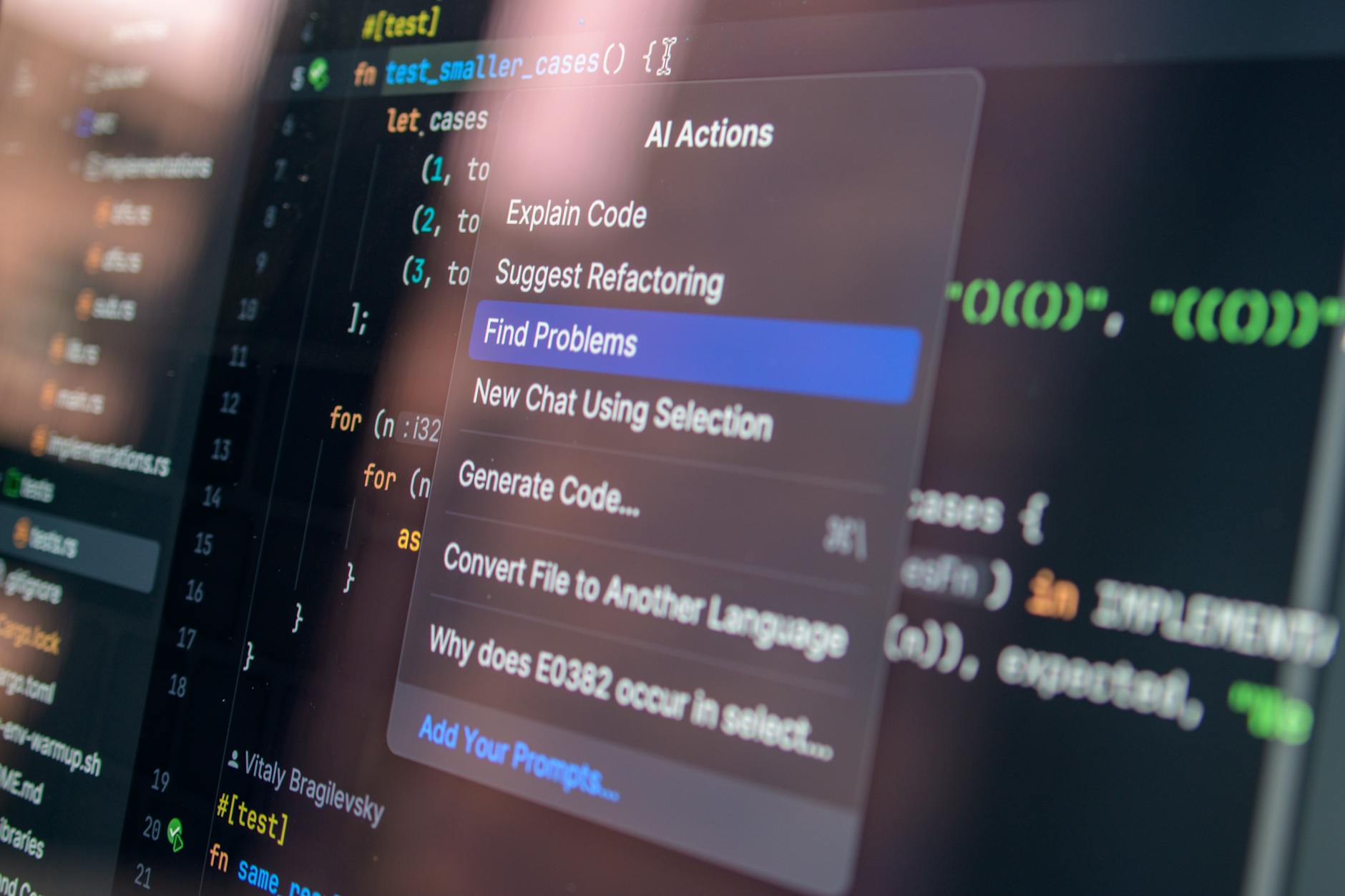
Claude Code is Anthropic’s AI coding agent. It’s genuinely impressive — it can read your codebase, fix bugs, write new features, and explain what it’s doing as it goes. Developers love it for good reason.
But here’s the catch: the full version costs up to $200 a month. And even then, it hits usage limits that reset every 5 hours. So you’re paying premium prices and still getting cut off mid-project — right when you’re in flow and need it most.
For a freelancer billing $30–$50 an hour, spending $200/month on a tool that throttles you is a rough deal. For a student or someone building a side project on weekends, it’s almost a non-starter.
Enter Goose: Free, Local, and No One’s Watching

Here’s what most people don’t know yet: Goose is a free, open-source AI coding agent built by Block (the company formerly known as Square). It runs directly on your own computer — not on some company’s server — which means no subscription, no cloud dependency, and zero rate limits.
“Open-source” just means the code is public and free for anyone to use or modify. Think of it like a recipe anyone can cook with, versus a restaurant meal you have to keep paying for.
Goose can do a lot of what Claude Code does: navigate your project files, write and edit code, run commands, and work through multi-step tasks autonomously. You give it a goal, and it figures out how to get there — without you having to babysit every step.
A Real-Life Comparison: Building a Client Website
Imagine you’re a freelance web developer building a small e-commerce site for a local bakery. You need to set up a product page, connect a payment form, and fix a bug in the checkout flow.
With Claude Code on the $200 plan, you open it up, start working, and two hours in — rate limit hit. You wait. You lose momentum. You might even miss a client deadline.
With Goose running locally on your laptop, you work straight through. No cooldown timer. No subscription renewal reminder at the end of the month. The tool is just there when you need it, like a reliable coding partner who never clocks out.
That’s not a small difference. For freelancers, uninterrupted focus time is literally money.
What This Means in Real Life
Let’s say you’re a student learning to code and you want AI help on a side project. You’re not made of money. You don’t need enterprise-grade features. You just need something that can help you unstick yourself when you’re staring at a bug at midnight.
Goose fits that perfectly. It connects to AI models you can run for free or very cheaply, and because it lives on your machine, your code never leaves your computer. That’s also a privacy win — your client’s codebase stays private by default.
For small business owners who’ve hired a developer or two, this matters too. Knowing your team has access to free AI coding tools instead of Claude Code means your dev costs don’t quietly balloon with subscription fees that stack up across every team member.
But Let’s Be Honest About the Tradeoffs
Goose isn’t perfect, and it’s worth being clear about that.
- Setup takes a few steps. You’ll need to install it and connect it to an AI model (like a local model via Ollama, or an API key from a provider). It’s not as plug-and-play as Claude Code’s web interface.
- The AI quality depends on what model you connect. Goose is the agent layer — the “brain” that takes actions — but it still needs a language model to reason with. Free local models can be slower or less capable than Claude’s best models.
- Less polish. Claude Code has a slicker experience. Goose is open-source, which means it’s powerful but sometimes rough around the edges.
- Not ideal for beginners who want zero friction. If you’ve never used a terminal before, the first setup might feel intimidating.
So who should consider paying for Claude Code? Honestly, professional developers working on complex, high-stakes projects who need the best model quality available and don’t want to manage setup. If AI is your primary work tool and time is your biggest constraint, the cost might justify itself.
But for everyone else? The free path is closer than the industry wants you to think.
The Bigger Picture: AI Tools Are Becoming a Budget Line Item
We’re in a moment where AI tools are quietly becoming mandatory for staying competitive — in freelancing, in side hustles, in small business. And companies know that. Pricing models are designed to make you feel like you need the premium tier.
Knowing that free AI coding tools instead of Claude Code actually exist — and work well — is genuinely useful information. It’s the kind of thing that can save you $1,200 to $2,400 a year without costing you much in capability.
The gap between free and paid AI tools is narrowing fast. Open-source projects like Goose are closing in on features that used to be exclusive to expensive subscriptions.
What to Do Now
Here’s a simple plan depending on where you are:
- If you’re a student or hobbyist: Try Goose first. The setup is worth it, and you’ll learn more about how AI agents actually work in the process.
- If you’re a freelancer: Test Goose on a real project for two weeks before spending a dollar on Claude Code. See how far it gets you.
- If you’re on a team: Compare total subscription costs across all your developers. Free tools multiply the savings.
- If you really need Claude Code: At minimum, start on a lower tier and see if the rate limits actually affect your workflow before jumping to $200/month.
You can find Goose on GitHub (search “block/goose”) and get started without a credit card, a waitlist, or a sales call.
The Bottom Line
The best AI coding tool isn’t always the most expensive one. It’s the one that’s there when you need it, doesn’t interrupt your work, and doesn’t quietly drain your bank account every month.
Goose might not have every bell and whistle that Claude Code offers — but for most freelancers, students, and side-hustle builders, it doesn’t need to. It just needs to work. And from what we’re seeing, it does.
Save the $200. Build something cool instead.
Frequently Asked Questions
There are several solid alternatives like GitHub Copilot Free, Codeium, and Tabnine that offer free tiers with AI code completion and suggestions. While they may have fewer features than Claude Code’s paid plan, many developers find them sufficient for daily coding tasks without the $200/month cost.
It depends on your needs—Claude Code excels at complex problem-solving and long coding sessions, but free AI coding tools handle basic autocomplete and simple refactoring well. If you work on simple projects or are budget-conscious, free tools are likely worth trying first before committing to a paid subscription.
Some free tools like Copilot Free and Codeium rival paid solutions in specific areas, though they typically have usage limits or fewer advanced features. The best choice depends on your coding style and project complexity—free tools are excellent for learning and smaller projects, while paid options shine for enterprise-scale development.
Stay ahead of AI — weekly digest
Get the most useful AI updates delivered to your inbox every week. No noise, just what matters.